
How To Check Your XML Sitemap For Errors
3 min read
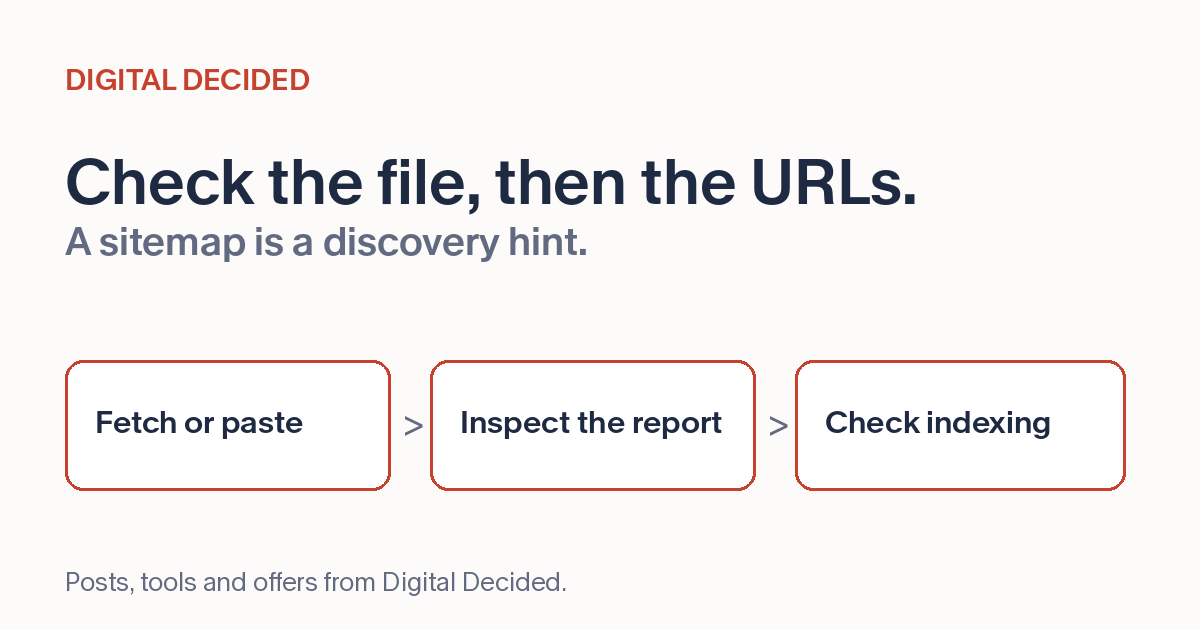
A sitemap is the list you hand search engines: these are the pages worth crawling. It earns its keep quietly, and it fails quietly too - a sitemap with duplicates, dead URLs or formatting problems doesn't throw an error anywhere you look daily. It just sits there being wrong while you assume the discovery side of your site is handled.
What A Check Looks For
The useful checks are mechanical. How many URLs does the file list, and is that the number you expect? A brand-new site with 4,000 URLs and an established one listing 12 both deserve a second look. Are exact URL strings listed twice? Distinct URL strings, including trailing-slash variants, need separate canonical review. This checker searches text for sitemap tags and extracts <loc> entries with a regular expression. It reports exact duplicates, invalid or non-HTTP(S) URL strings, HTTP entries and counts above 50,000. It does not parse or validate XML, check the 50 MB limit, crawl listed pages or prove indexability. The text matching can also accept malformed markup or entries in comments and leave XML entities un-decoded. A clean report is not a valid-sitemap certificate.
Beyond the file, the contents should be pages that actually deserve crawling. A sitemap listing redirected, broken or noindexed URLs spends the search engine's attention on pages you've said don't matter. Google's sitemap guidance caps individual sitemap files at 50,000 URLs and 50 MB uncompressed, and larger sites split into sitemap index files - worth knowing before a growing site bumps into the ceiling.
Two Ways In
The DigitalDecided Sitemap Checker gives you two paths. Fetch it live: point the tool at your sitemap URL and it pulls the file and checks it, when the remote site allows a browser-side cross-origin request. A CORS-blocked fetch is not proof the sitemap is unavailable to a search engine. Or paste the XML directly, which covers the cases a fetch can't - a sitemap that isn't live yet, a staging copy, or a file from a platform you want to inspect before submitting.
The fetch reads the response text without separately validating its HTTP status. Check the real response in your site diagnostics when a report looks odd. If the file is a sitemap index, the reported locations are child sitemap URLs, not pages: open and check each child separately. This tool does not recurse into them.
After The Check
Fix file problems the checker surfaces, then separately inspect URL status, canonical and indexability decisions in your site and Search Console. A file checker cannot establish that each listed page is live or indexable. A submitted sitemap is a discovery hint, not a guarantee of fetching, crawling or indexing. An already submitted sitemap may be fetched again without a fresh submission; check its current processing status in Search Console rather than assuming submission is required after every edit.
Recheck on a rhythm that matches how your site changes. A site that publishes weekly earns a regular look; a mostly static site earns one after every redesign, platform migration or URL-structure change, because those are the moments sitemaps silently fall out of date.
Check Yours
Open the Sitemap Checker, fetch your live sitemap or paste the XML, and read the counts first. If the number of URLs surprises you, everything after that is explaining why.