
How To Combine Multiple PDFs Into One File Without Installing Software
3 min read
Combining PDFs comes up constantly: the contract plus its exhibits, the invoice plus the receipts, the twelve scanned pages that arrived as twelve files. The job sounds trivial, but the result deserves a check before it goes anywhere.
Put The Files In Reading Order
Merging is stacking whole files: the first document's pages, then the second's, in the order you choose. The reorder control moves whole documents in the queue, not individual pages, so page-level fixes belong in the source files, not the merge. Check the sequence against how the recipient will read: cover page first, main document, then appendices, with the thing they'll look for on page one, not page nine.
Confirm the order in the merge queue before you hit the button, because fixing it afterward means doing the merge again.
What A Merge Carries Over - And What It May Not
A merge builds a new document by copying pages out of the originals. The page content - text and images - is what the copy is about, and that is what you should verify. What a copy does not guarantee is everything around the pages: interactive form fields, digital signatures, bookmarks, accessibility tags and links may not survive into the merged file, and a digital signature's authentication applies to the original document, not to a copy of its pages in a new file. If the signature itself matters, send the signed original.
Keep your originals. The merged file is a new document, and the originals are the record you fall back on when a form field or signature has to be the real one.
Some files resist merging entirely. Encrypted or damaged PDFs may be skipped, so the merged page count is the number to check: add up the pages in every input and compare against the output.
Think About Where The Files Go
PDFs tend to contain things you'd rather not hand to a stranger: contracts, invoices, medical or financial records. Many online merge tools work by uploading your files to a server, which is a real decision about real documents. Some tools merge in the browser instead. Where the calculation runs is a fact about the tool's design, not proof of how your files are handled, so for sensitive documents decide based on the vendor's policies, not the architecture alone.
Merge Yours Now
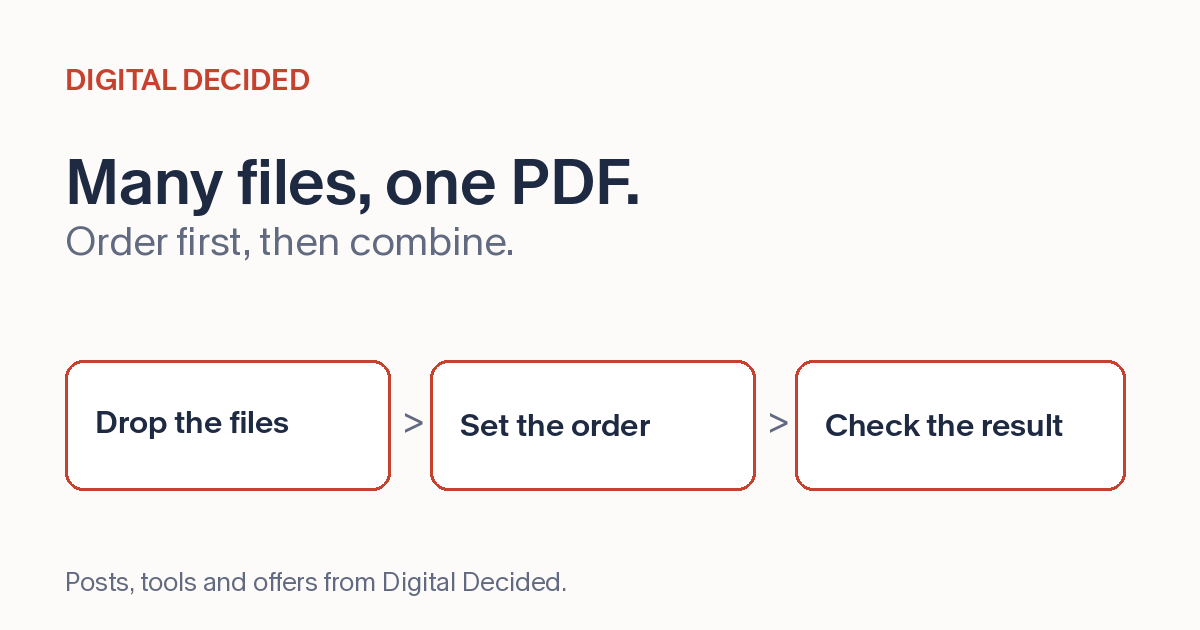
The PDF Merge tool on DigitalDecided runs the merge in your browser: drop your PDFs into the queue, arrange whole files into order, and combine. Two or more files is the useful workflow, though the tool will also process a single file.
Then verify before it goes out: page count against the inputs, order as queued, every page rendering correctly, and any interactivity you relied on still working. If you're trying the tool for the first time, practice on synthetic, non-protected sample PDFs until you have validated the output against your own document workflow, rather than starting with live documents.