
How To Convert Markdown To Clean HTML Step By Step
3 min read
Markdown exists so you can write without thinking in tags. HTML is what the web actually serves. Converting between them is a daily task for anyone publishing to a CMS, an email template or a documentation page, and it's simple until the output quietly breaks your page.
Write For The Structure You Mean
Markdown's bargain is that a few characters carry the structure: # for headings, ** for bold, - for lists, > for quotes, backticks for code. The conversion is faithful when the structure is unambiguous, so the writing habit that matters is consistency: blank lines between blocks, one list style per list, code fenced with triple backticks.
The mistakes that survive conversion are structural ones. A heading without a space after the hash is just a paragraph starting with "#". A list item indented the wrong way nests where you didn't mean it. These are easy to miss while editing and obvious in the output, which is why you preview before you paste.
Check The HTML, Not Just The Preview
A preview shows you what the content looks like. The HTML shows you what your CMS will receive, and those differ in the ways that matter: the tags around your text, the attributes on your links, whether the output is wrapped in containers your template doesn't expect.
Look for the usual suspects before pasting: heading levels that skip, <em> versus styled spans, links without href where you meant a URL, and inline HTML you wrote in the Markdown that passed through raw. If the destination has its own styles, simpler markup survives better.
Mind Where It's Going
A CMS article, an email template and a docs page have different tolerances. Email HTML is the strictest: many email clients strip tags and ignore styles, so the elaborate layout that previewed beautifully can arrive as plain stacked text. If the destination is email, keep the markup minimal and test in a real client.
Sanitizing is the other consideration, and it is on you. Raw HTML inside the Markdown passes through the converter unchanged: the preview runs in a sandboxed frame that limits script execution, but that sandbox is not a sanitizer, and embedded resources can still make requests. The exported HTML is the raw parsed output, unfiltered. So if the Markdown came from someone else, treat the output as untrusted: sanitize it against an explicit allowlist of tags and attributes before it goes anywhere public, and treat untrusted converted HTML as unsafe for production pages or email until that happens. For content you wrote yourself, a read-through of the HTML is the check.
Convert Something Now
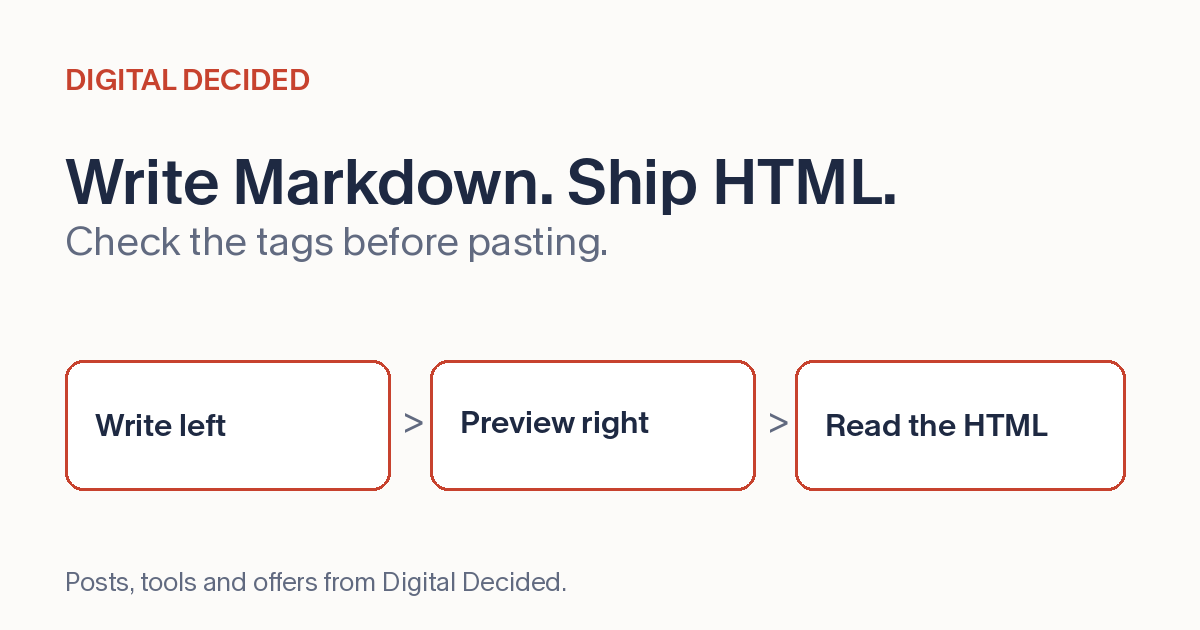
The Markdown to HTML converter on DigitalDecided gives you a write-left, copy-right workflow: Markdown on one side, a preview and the HTML on the other, converted in your browser. Headings, bold and italic, links, lists, quotes and fenced code blocks all convert as you type.
Write or paste your own Markdown, glance at the preview, then read the HTML once before copying. A careful read is what keeps a stray tag out of your page.