
How To Decode A JWT And Read Its Expiry Date
4 min read
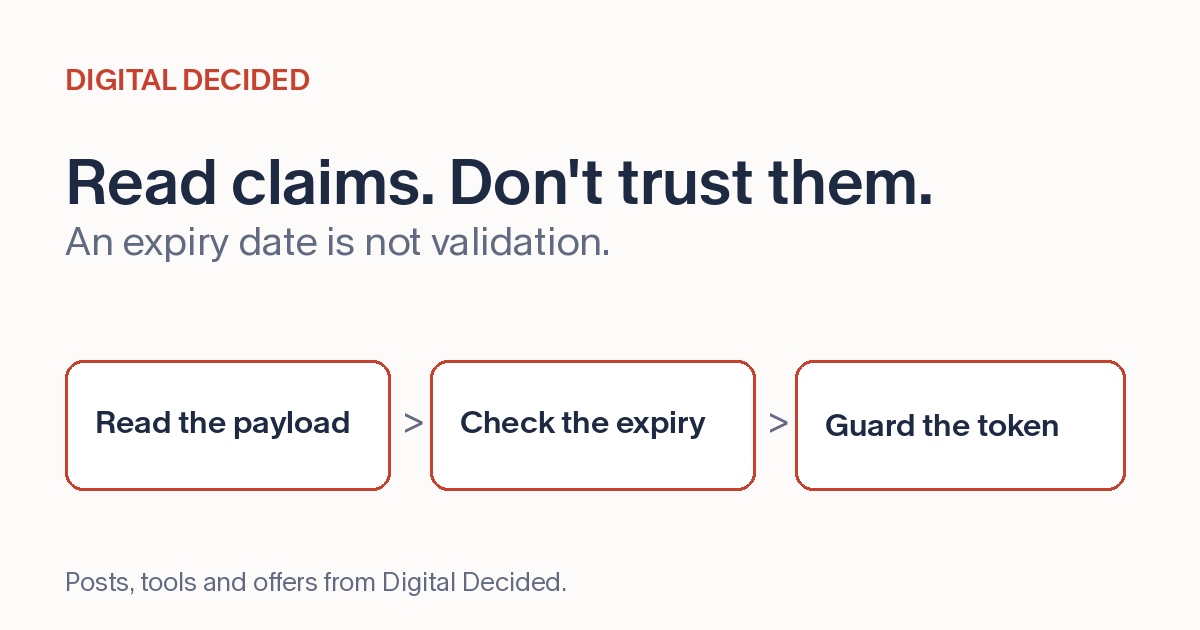
When an API call fails with a 401, the question is often "what does this token actually say?" The common signed JWT, the three-part JWS, is base64url-encoded parts joined by dots, and the middle part, the payload, holds the claims you usually need. (Encrypted JWTs exist too; this article and this decoder are about the common signed kind.)
The Three Parts
The header says how the token is signed, typically the algorithm. The payload carries the claims: who the token identifies (sub), who issued it (iss), who it's for (aud), and the timestamps. The signature is the part you can't read, and that's fine, because reading it isn't the point.
The timestamp claims are NumericDates in the JWT spec, RFC 7519: seconds since the Unix epoch. iat is when the token was issued, exp is when it expires, and nbf, when present, is the earliest time it's valid. To read an expiry, convert the exp number to a date: most decoders do this for you, and if you're doing it by hand, multiplying seconds by 1,000 gives you the milliseconds JavaScript's Date expects.
A classic debugging moment: the API says unauthorized and the exp timestamp says the token died twenty minutes ago. A claimed expiry in the past is a lead, not the answer: the payload only tells you what the token says, and the API's own validation decides what it accepts, so check exp first and keep looking if it's clean. And read the flip side carefully too: a future exp only means its claimed expiry time has not passed, not that it's genuine, from the right issuer, or accepted by the API. This decoder can show parsed exp, iat and nbf values as local dates; treat what it shows as claims, not proof.
Decoding Is Not Verifying
This is the distinction that matters. Anyone can decode a signed JWT, because the payload is encoded, not encrypted. Decoding shows what the token says. Verifying is a bigger job than decoding: checking the signature with the right algorithm and key, then validating the issuer, audience, expiry and your application's own rules. It often happens server-side, though a client with the issuer's public key can verify a signature too. What a decoder like this one does not do is any of that.
So a decoder can tell you the token claims an expiry of next Tuesday. It cannot tell you whether the token is real, and you should never make a trust decision from a decoded payload alone. The mirror-image rule follows: never put secrets inside a JWT, because anyone holding the token can read the payload.
Handle Tokens Like Credentials
An access-token JWT may work as a bearer token: whoever holds it can use it until it expires. Treat a real token like a password, even an expired one, because expired tokens can still carry account data in the payload. The safe habit for learning and debugging is a synthetic test token you made up, never a real token, active or expired, from any system.
Decode One Now
The JWT Decoder on DigitalDecided reads a token's payload and says the important thing on the page: decoding is not verifying. It shows what a token says, not whether its signature is genuine.
Paste a synthetic test token, read the claims, convert the expiry. When a real 401 sends you debugging, do that work in your organization's approved debugging environment and confirm against the server's validation, which is the side that actually accepts or rejects it. Don't paste a real token into any web tool, including this one.