
How To Generate JSON-LD Schema Markup For Your Pages
4 min read
Structured data is how you tell search engines what a page is, not just what it says. A product page with the right markup can be understood as a product - with a price and availability - rather than a pile of text that happens to mention one. Writing that markup by hand means living in the schema.org documentation, which is why generators exist.
Pick The Type, Fill The Fields
The DigitalDecided Schema Generator covers the common cases: Article, Product, FAQ page, Local business and Organization. Choose the type and the form asks for that type's fields - headline, author and date published for an article, with a short description, and the equivalent core fields for the other types.
The output is a JSON-LD block wrapped in a script tag, ready to paste into your page's HTML. Google recommends JSON-LD when your setup supports it: it sits in one block rather than threading attributes through your markup, so adding it doesn't touch the rest of the page.
Check Defaults Before Publishing
Product output sets availability to InStock even though the form has no availability selector. Verify and edit that value against the product's actual availability. The FAQ form has three question-and-answer pairs; a question can produce an empty answer, so check both halves. The tool generates JSON but does not validate required properties, dates, URLs or search-feature eligibility.
Use trusted author-entered content and inspect the script block before embedding it. JSON stringification is not complete HTML-script escaping: text containing a closing script tag needs safe embedding treatment in your publishing system. Do not paste untrusted field content straight into page HTML.
Empty Fields Are A Checklist, Not Output
Untouched fields can be omitted from the JSON output, while a field typed into and then cleared can remain as an empty string. Nested objects such as author can remain with only their type. Inspect both missing and empty properties before publishing: fill required fields with accurate content and remove unsupported optional placeholders, and check required properties against the documentation for the intended search feature.
Only mark up what is actually on the page. Structured data describes visible content; markup describing things the visitor can't see is the kind of mismatch search engines treat as spammy, and it can cost you the benefit you were after.
No Guarantees, So Validate
Supported structured-data types can make pages eligible for enhanced search presentation when they meet the feature's requirements; this template alone does not establish eligibility. Search engines decide what to show, and plenty of correctly marked-up pages render as ordinary results. The honest pitch for schema is that it removes ambiguity about what your page is - eligibility, not a promise.
Because typos in JSON-LD fail silently - the page looks fine to every human - validate before you ship. Paste the block or the live URL into a structured-data testing tool after publishing and confirm the type and fields come through the way you intended.
Google's current documentation no longer offers FAQ rich results. The generator's FAQ option can still describe questions and answers, but do not promise a FAQ search enhancement from it. See Google's documentation updates and the structured-data guidelines.
Generate Your Markup
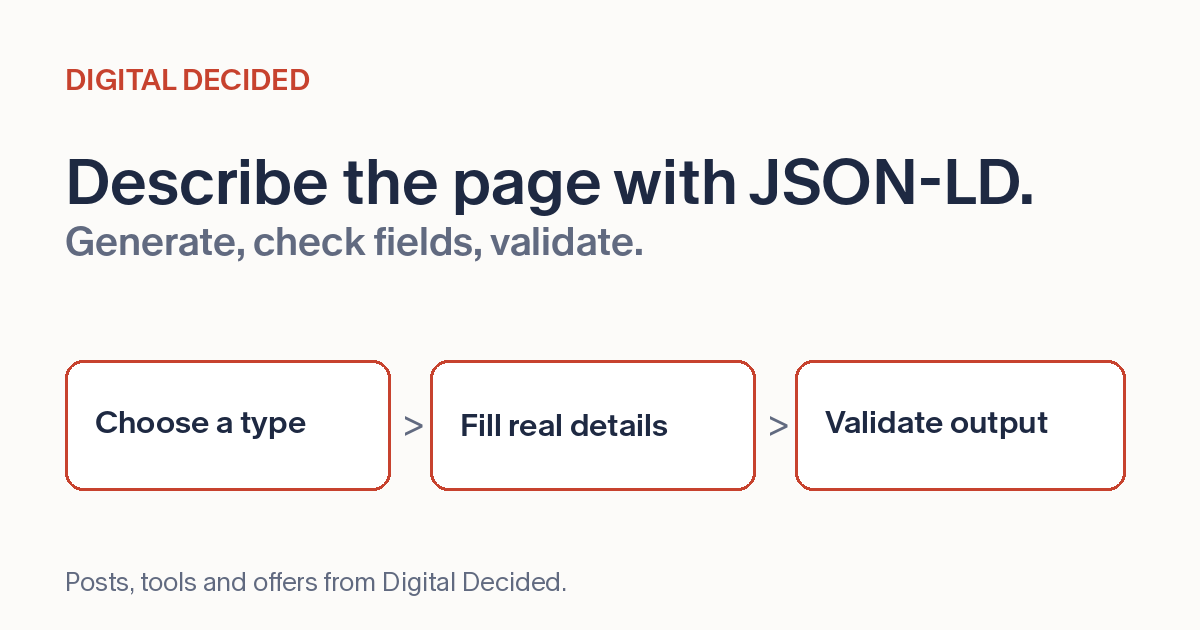
The Schema Generator on DigitalDecided builds the block in your browser: pick a type, fill the fields, copy the JSON-LD, paste it into the page. Fill any required missing or empty fields accurately, remove unsupported optional placeholders, and validate both the block and deployed page.
Start with one real page, validate accurate markup for its actual content, and check the deployed result before repeating the workflow.