
How To Measure The Time Your Automation Gives Back
3 min read
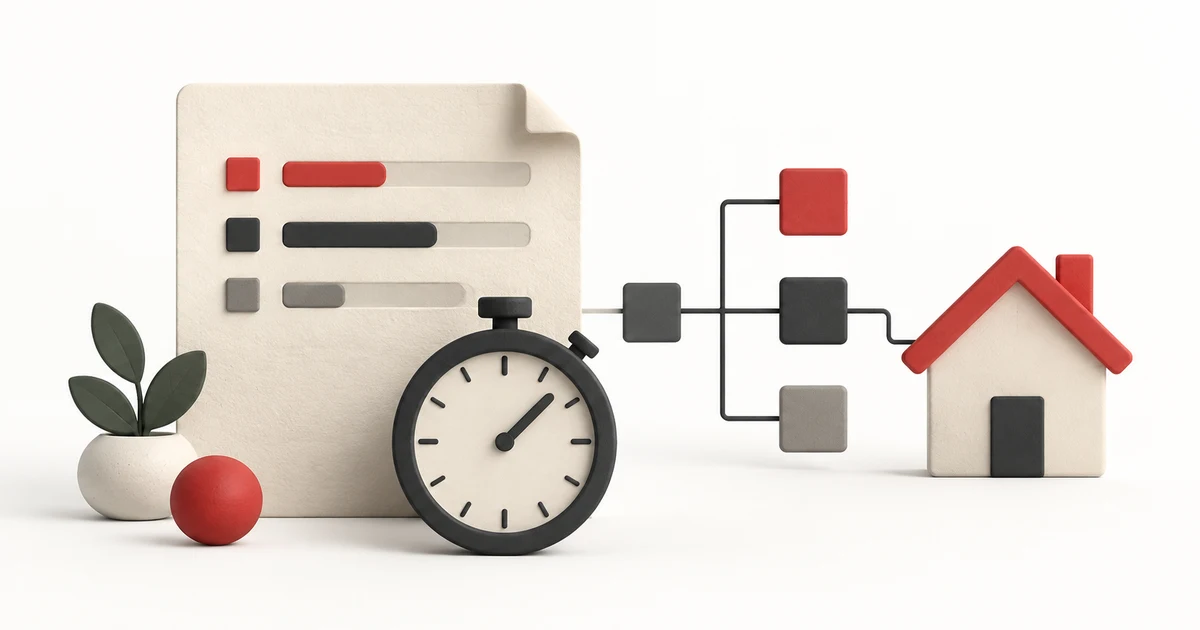
Measure the time people spend getting a task to a correct result, before and after automation. Include checking, corrections and upkeep. A fast run can hide time spent checking its output.
Start with one task. "Handle new enquiries" is too broad if it includes routing, research, replies and scheduling. "Put each eligible enquiry into the right sales queue" gives you an output you can check.
Compare The Same Kind Of Batch
Choose a normal period and record how many eligible items arrive. Time the manual process through to a checked result. Record unusual cases alongside routine ones.
Then measure a comparable batch through the automated process. If the second batch is much simpler, say so. A change in the inputs can explain the difference without the automation being better.
Keep active handling time separate from waiting. An approval sitting overnight affects turnaround, but it isn't eight hours of staff time. You may want to improve both; they need different measurements.
Count The Minutes Left Behind
A simple worksheet needs room for preparing inputs, checking output, correcting errors and handling exceptions, fixing the workflow or its connections, and finishing anything the workflow couldn't complete.
Count each activity once. If correcting a record takes six minutes, don't count those same six minutes again under exceptions and maintenance.
Ask the people receiving the output, too. A workflow that saves the sender ten minutes but adds fifteen minutes to someone else's queue hasn't saved the team time.
Use A Calculation You Can Explain
Consider an invented example: a batch takes 150 minutes manually. With automation, preparation takes 15 minutes, checking takes 40, corrections take 20 and upkeep takes 10. The batch gives back 65 minutes: 150 minus 85.
Replace those invented inputs with your own timings. Keep setup time visible as a separate investment. If setup took six hours, the first few batches may still be recovering that investment.
Don't convert every saved minute into cash. Unless spending actually falls, you may have freed capacity rather than reduced costs. Name what that capacity lets someone do.
Check The Result Before Keeping The Workflow
A faster process that misses important cases isn't an improvement. Review whether the right items reached the right destination and whether anything was skipped or duplicated. Compare the destination records with the original batch to catch missing items.
For a lead enrichment task, count the time spent confirming that each person matches the right company. Adding fields quickly is only useful if the receiving team can trust the record.
Finish with a decision: keep the workflow, simplify part of it, or return this task to a person. Write down the next batch you'll review and who owns that check.
If you haven't chosen a first task yet, use this guide to choosing an AI workflow. A small task with a checkable result is easier to measure than a whole department's activity.