
How To QA Test An AI-Built App Before Launch
3 min read
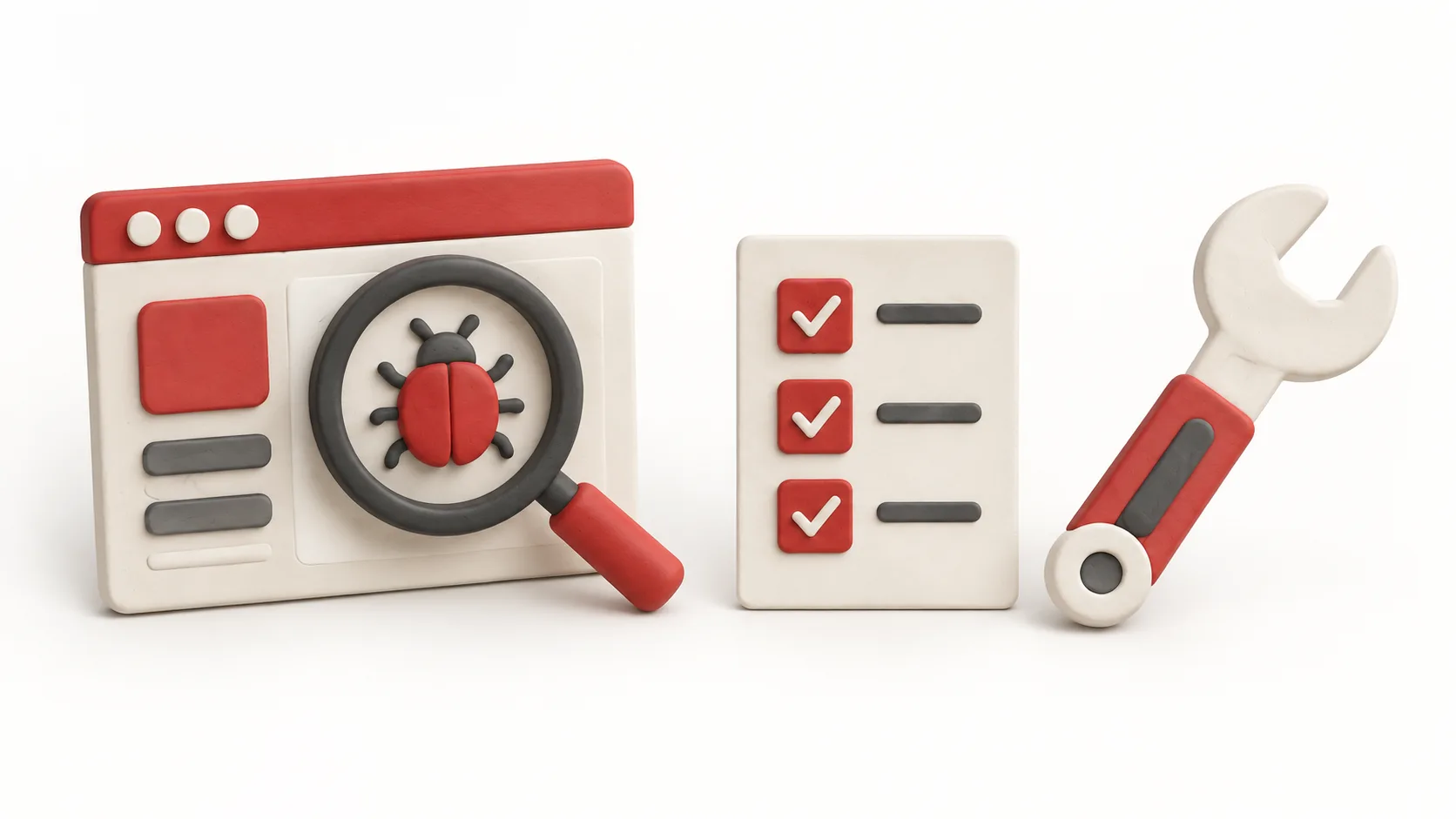
Before launch, test complete customer flows rather than isolated screens. Write down the expected result for each path so you can check it again after fixes.
If you want a full test done for you, the Full App Pass covers every critical flow in one app.
List Every Critical Flow
A critical flow is any path where failure stops a user getting value or you getting paid. Write them all down: sign-up, login, password reset, the main task, payment, account changes. Include the paths that matter to your app, rather than assuming every app needs the same list. Test them one at a time.
Use A Test Script
For each flow, write the steps and the expected result. Run them in the same order each time. A script lets you repeat the test after fixes and notice what changed.
Test Beyond The Happy Path
Try wrong inputs, empty fields, a very long name, going back mid-flow and refreshing the page. Use synthetic data and dedicated test accounts. For payments, use the supported test environment and confirm submit effects before clicking.
Test On More Than One Device
Run the main flows on desktop and phone, and in at least two browsers if you can. Check the layout, buttons and confirmation steps on each.
Write Findings Clearly
For each problem, note the steps, what you expected and what happened, and rank it by severity. A hypothetical entry: "Password reset email link opens a blank page on the phone."
Fix, Then Test Again
After fixes, repeat the flows that failed and any near them. Make a short launch summary of what passed, what is still open and what you decided to accept.
If You Want It Done For You
With the Full App Pass, VERTX runs every critical flow in your app and writes it up in one report: prioritized findings with reproduction steps, fix direction and a launch summary, plus one re-test after your fixes. Confirm which flows are in scope, and prepare the expected results and approved test access you just wrote.