
How To Build A Link-In-Bio Page You Host Yourself
3 min read
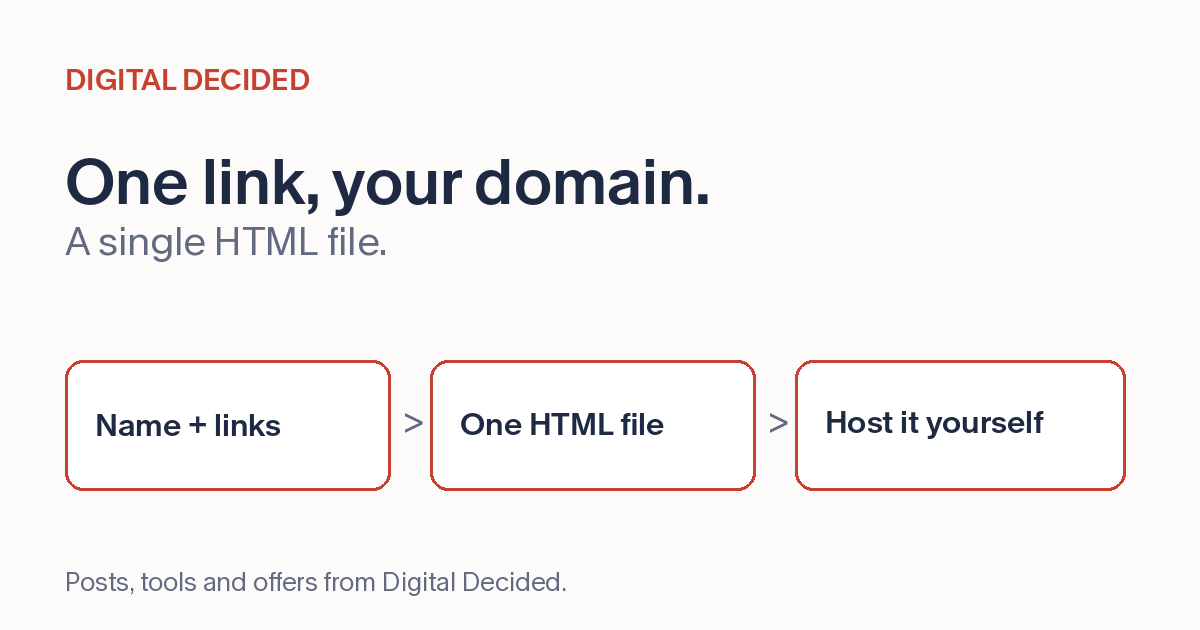
When a profile gives you a single link slot, that link has to work hard. The link-in-bio page exists for exactly that situation: one URL that leads to everything else, your shop, your latest video, your newsletter, your booking page.
The usual way to make one is a hosted service, which keeps the page on their domain under their terms. The alternative is just as simple and sits on yours: a link-in-bio page is one of the plainest pages on the internet, a name, a line about you, and a list of links, well within what a single HTML file can do.
What Hosting It Yourself Changes
Your address. The link in your bio can be links.yourname.com or yourname.com/links, an address that builds your recognition instead of a service's. You control the content of this exported file, subject to your host's terms and applicable rules.
Your click path. The file this tool exports contains plain anchor links, so a tap goes straight from your page to the destination with no redirect service in between. Your own host can still log visits to the page, and each destination site measures its own traffic as usual.
Keep The Page Focused
The mistake to avoid is turning the page into a website. A link-in-bio page works because it's short: a visitor tapped one link and wants the next step fast. Put the current priority first, keep the list to the handful of links that matter now, and retire old ones. Ten links is a menu; thirty is a junk drawer.
Write link text that says what the visitor gets. "Latest video" ages; "Watch: how I restored this 1970s lamp" still makes sense next month. If something is time-sensitive, put it on top and remove it when it's done.
Host It Where You Already Are
One static HTML file is about the simplest thing you can put on the web. Any static host that can serve an HTML file works: the same host as your main site, a static host's free tier, a subdomain pointed at a folder. Hosting it yourself means the housekeeping is yours too: the domain's DNS and renewal, and keeping the hosting account active. Upload the file, open the downloaded copy once to confirm it works, then visit the deployed URL on your phone and tap every link. Then paste that URL into your bios and you're done.
Make Yours Now
The Link-in-Bio Page Maker on DigitalDecided builds that file. Add your name, a one-liner and your links, pick a light or dark theme, and download a single HTML file. The page shows a live preview as you build; treat it as a draft view and confirm the real thing after downloading, because the file and the deployed page are what visitors actually get. One detail worth knowing: the downloaded file carries a generator credit as an HTML comment. It never renders on the page, so visitors don't see it, but it's there in the source.
Download the file, upload it to your hosting, and test the deployed page on your phone, every link once, before the URL goes into your bios.